Confused about TPM? Watch this.
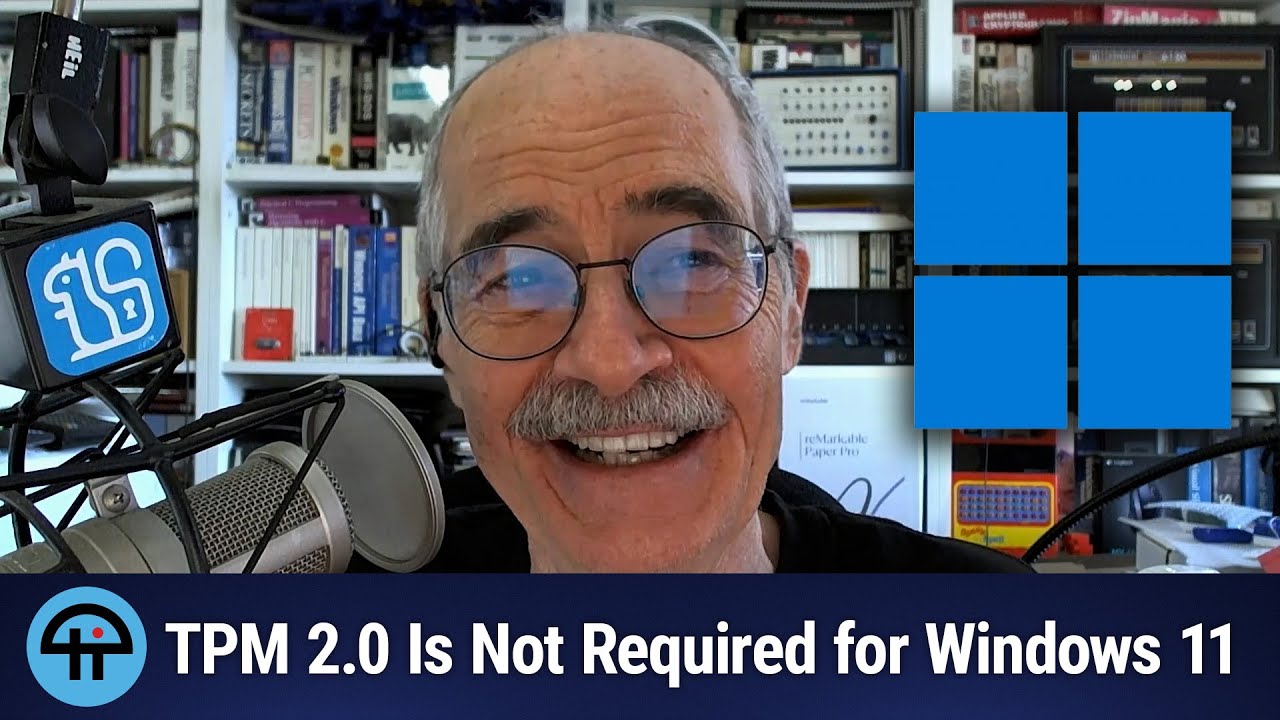
Microsoft says your PC can't run Windows 11. They want you to buy a new computer.
The truth? Your PC runs it just fine.
We've tested it. Dell 3010, 5050, 7010, 9010. Intel i3 - 2nd, 3rd, 4th, 5th, 6th gen. All running Windows 11. All getting updates. Zero issues.
We are NOT Microsoft. Independent support service - not affiliated with or endorsed by Microsoft. The upgrade is free. You're paying for expert help getting it done right.
Microsoft wants you to buy a new PC. But you don't have to.
If your PC has these, you're ready to upgrade:
Most Windows 10 PCs from 2015 or newer qualify!
Three simple steps. No technical knowledge required.
Get the tool instantly after purchase
One button. That's the whole interface.
Windows 11 installs. Files preserved.
We've helped thousands upgrade safely.
Uses the same registry keys Microsoft published for enterprise deployments.
In-place upgrade preserves all your documents, apps, and settings.
Questions? Issues? We're here to help at support@windowsupgradehelp.com
Verified reviews from our eBay listing
"Software works as described. Great technical support and communication! Would buy from again."
"Excellent ensure. Great product. Fast delivery"
"Fast shipping, great communication, item as described. A+++"
Everything you need to know about upgrading.
686,000 people watched this video exposing the truth about TPM 2.0.
It's not about YOUR security. It's about Microsoft's control over YOUR hardware.
"We went from running anti-spyware software to finally running the spyware itself as the OS"
"The digital prison is becoming more obvious"
"Windows 11 isn't just spyware, it is ransomware - pay us or lose security updates"
Don't let them force you to buy a new PC. Your computer works fine. Upgrade on your terms.
Don't let Microsoft pressure you into buying new hardware. Upgrade to Windows 11 today.
Verified Safe by 70+ Security Vendors - View Report